
Events Dec 24, 2025, 13:00 (UTC)
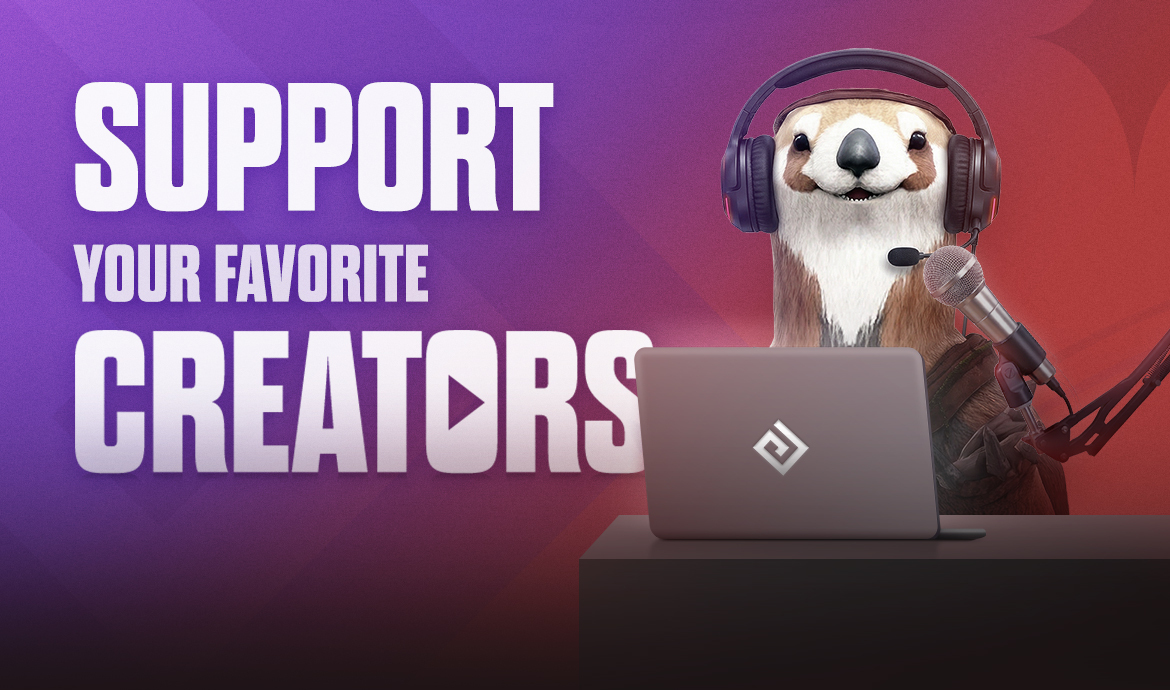
Support Your Favorite Content Creators!
7
Support Your Favorite Content Creators!
December 24, 2025 after maintenance - February 5, 2026 before maintenance
You can now support your favorite Black Desert Content Creators when making Package or Acoin purchases! Enter a special Content Creator Code at checkout and the selected content creator will receive a percentage of the sale at no additional cost to you! You will be able to find their codes below.
Content Creators Participating in the Event
|
[Ahzure_]
Code: Ahzure  |
[AionJanis]
Code: AionJanis  |
[AyoiEU]
Code: Ayoi  |
[BairogHaan]
Code: Bairog  |
| [BiceptimusPrime] Code: Biceptimus  |
[BladeNZ] Code: BladeNZ  |
[Caarl] Code: Caarl  |
[CanadianCorgii] Code: Corgi  |
| [ChampionJason] Code: ChampionJason  |
[Choice] Code: Choice  |
[CPCPCP] Code: CPCPCP  |
[Czanee] Code: Czane  |
| [Divios] Code: Divios  |
[Elly] Code: Elly  |
[Huntler] Code: Huntler  |
[itsjustinkace] Code: JustinKace  |
| [Jonlaw98] Code: Jonlaw  |
[LoonyStorm_] Code: LoonyStorm  |
[LvYeti] Code: LvYeti  |
[Mistyee] Code: Mistyee  |
| [MrRapolas] Code: Rapolas  |
[Narelio] Code: Narelio  |
[NotNamiko] Code: NotNamiko  |
[Phoibes] Code: Phoibes  |
| [Qiywi] Code: Qiywi  |
[SickLoot] Code: SickLoot  |
[VerdictLovesYou] Code: Verdict  |
[Vert] Code: Vert  |
| [Wakayashi] Code: Waka  |
[xpFlowers] Code: Flowers  |
[ZerodenHunter] Code: Zeroden  |
[Lyje_Unicorn] Code: Lyje  |
| [i_am_lua] Code: Lua  |
[Andersgalla] Code: Anders  |
[Zethiann] Code: Zethiann  |
[ArminTF] Code: Armin  |
| [Ziorrr_] Code: Zior  |
[Eriyan] Code: Eriyan  |
[MoreMoshi] Code: Moshi  |
[iGuti89] Code: iGuti  |
| [Goldsteinburg] Code: Goldsteinburg  |
[Kyara] Code: Kyara  |
[Koregenik] Code: Koregenik  |
[EngeliHeart] Code: Engeli  |
| [GarnierBDO] Code: Garnier  |
[Yofamsteve] Code: Yofamsteve  |
[Zerrroo__] Code: Zero  |
[InstaWolfTV] Code: InstaWolf  |
| [ReiRawr] Code: ReiRawr  |
How does it work?

Step 1: Navigate to naeu.playblackdesert.com > Shop > Acoin or Package > Purchase.
Step 2: Enter the exact Content Creator Code into the box.
Step 3: Proceed with your purchase.

- Once complete, you will receive your items and the content creator of your choice will receive a portion of the proceeds.
Additional Notices
- Please ensure that the Content Creator Code is entered exactly. Failing to do so will cause the purchase to not count towards a particular Content Creator.
- Purchases of packages made with a Content Creator Code cannot be refunded.
- When purchasing packages, you cannot utilize the “Support Your Content Creator” event when using an existing Acoin balance.
- You can support purchases up to 100,000 Acoin per content creator.
- This event does not apply to Upgrade Bundles.
- This event is unavailable to Steam users.
- Pearl Abyss reserves the right to change or cancel the event depending on mitigating circumstances. If changes are made, they can be found on this event page.
- For any questions or concerns regarding the event, please contact us via [Support].
- Any content not mentioned on this page is subject to the [Black Desert Event Rules].
-
HOT
 [Events] Snowboard Showdown Shreds In! Dec 31, 2025 (UTC)
 -
 [Winners Announcements] [Guild Event] Year-End Festivities Dec 30, 2025 (UTC)
 -
 [Events] [Snowfall Crasher] #3 Hunt the Fearsome Yeti Piku! Dec 24, 2025 (UTC)
 -
HOT
 [Events] [Snowfall Crasher] #1 Snowboard Showdown! (Last Updated: 12/26/2025 09:30 UTC) Dec 24, 2025 (UTC)
Recent Posts
- [GM Notes] Black Desert Ambassadors Take the Lead in Group Content! Jan 9, 2026 (UTC)
- [Notices] Accounts Restricted for Violating the Operational Policy/Terms of Service (January 9, 2026) Jan 9, 2026 (UTC)
- [Notices] Known Issues (Last Updated: 01/09/2026 8:20 UTC) Jan 9, 2026 (UTC)
- [Completed] January 9 (Fri) Central Market Maintenance Jan 9, 2026 (UTC)

